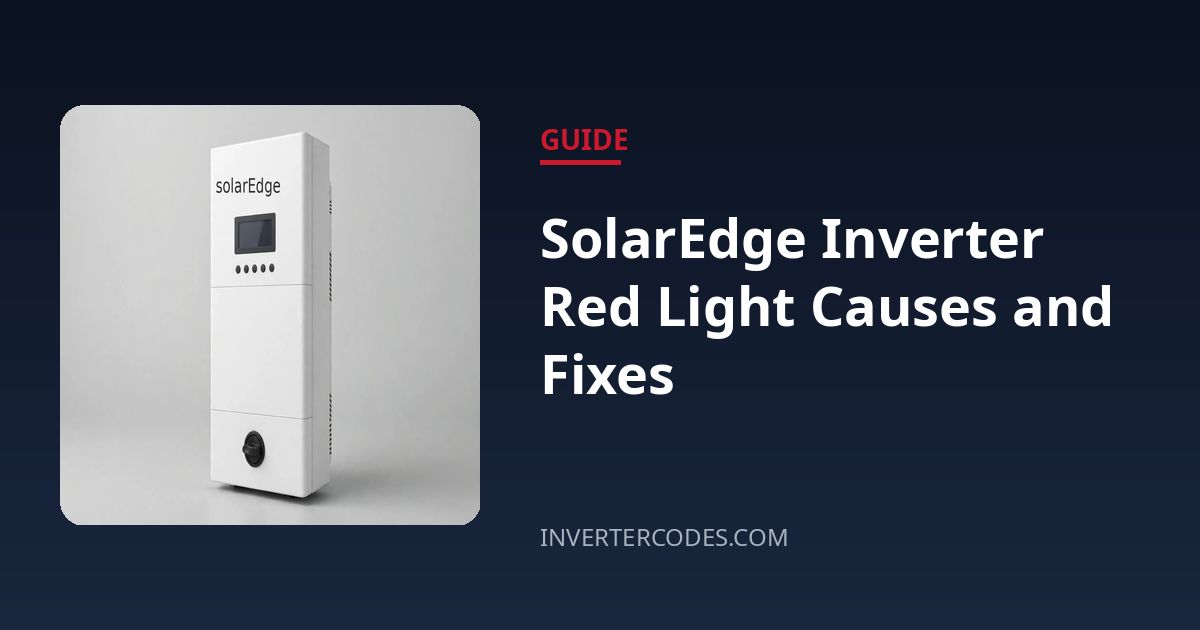
SolarEdge Inverter Red Light Causes and Fixes
SolarEdge inverters keep their status brutally simple: a green LED for production, a blue LED for monitoring communication, and a red LED that means something is wrong. When that red light comes on, the system has detected an error and stopped producing — but the fix ranges from a two-minute power cycle to a fault that genuinely needs your installer. Here is how to tell which one you are dealing with.
Quick Answer
A solid red LED on a SolarEdge inverter means the unit has detected a system error and halted production — SolarEdge’s installation manual says exactly this: red ON means “there is an error,” and you should check the troubleshooting section or the error shown on the display or in the SetApp / monitoring portal. First, note any error code shown on the inverter’s LCD or in the mySolarEdge app. Then power-cycle the unit once: turn the red ON/OFF/P switch at the bottom to OFF, switch the solar AC breaker off, wait five minutes until all LEDs die, then reverse the order (AC on, switch back to ON) and allow several minutes for startup. If the red light returns with the same error, the cause is persistent — record the code and contact your installer. A blinking red LED is different: it simply means the inverter is shutting down.
Understanding the Three LEDs
Knowing what “normal” looks like makes the red light less alarming. Green ON means the inverter is producing power; green blinking means standby (connected to AC but not producing — typical at dawn, dusk, or when snow covers the panels). Blue ON means the inverter is communicating with the SolarEdge monitoring platform; blue OFF is a communications issue, not a production fault. Red ON is the error state. Red blinking means the inverter is in the process of shutting down — give it a minute before judging. All LEDs dark in daylight is its own problem (see the checklist), while all LEDs dark at night is normal night mode.
Check 1: Read the Error Code
The red LED is only the headline — the error code is the story. On units with an LCD, the display shows the code directly. On screenless HD-Wave models, pair with the inverter via the SetApp mobile app to read the fault. Write the code down exactly, along with the time it appeared. Broadly, SolarEdge error families include hardware faults, over-temperature, ground faults, DC input voltage problems, and isolation (insulation resistance) faults — and the code tells your installer which family you are in before they even leave the office.
Check 2: Power-Cycle the Inverter (Once)
A clean power cycle clears transient glitches and is the correct first response to a red light:
- Turn the red ON/OFF/P switch at the bottom of the inverter to the OFF (0) position.
- Switch the solar AC breaker in your switchboard OFF — only touch a breaker you are certain belongs to the solar system.
- Wait at least five minutes, until every LED on the inverter is completely dark. The DC capacitors need this time to discharge.
- Switch the solar AC breaker back ON.
- Turn the ON/OFF/P switch back to ON (1).
- Allow several minutes for the boot sequence: expect flashing LEDs during startup, then solid green if production resumes.
If the red LED comes back with the same error code, do not keep cycling — the inverter is reporting a real, persistent condition.
Check 3: Optimizer and DC-Side Issues
SolarEdge systems are unusual in that every panel has its own power optimizer, and the inverter watches them all. A failed optimizer, a damaged DC cable, or a string that has dropped out can trigger production-halting errors, particularly isolation faults (the inverter continuously monitors insulation resistance and will stop on a ground fault). If your error code points at the DC side, or the monitoring portal shows one panel flatlined while others produce, the fault is on the roof — which is firmly professional-only territory.
Check 4: AC Breaker and Grid
Verify the solar AC breaker is ON and has not tripped. If it tripped, reset it once; a second trip means a wiring or inverter fault that needs an electrician. Also consider the grid: SolarEdge inverters disconnect on out-of-range grid voltage or frequency and show it as an error. If the red light appeared during a known outage or storm, wait for stable grid conditions and let the unit attempt its automatic recovery before power-cycling.
Check 5: Overheating
Inverters derate or shut down when they get too hot. Check that the unit’s ventilation is not blocked — no boxes stacked against it, no vegetation grown over the heatsink fins, and the garage or enclosure it lives in is not baking in direct afternoon sun. Clearances matter; if airflow was obstructed, clear it and let the unit cool before restarting.
When to Call a Professional
- The red LED returns after one proper power cycle with the same error code.
- The error indicates a ground fault, isolation fault, or hardware failure — these involve the DC array and are never DIY.
- The AC breaker trips repeatedly.
- Any burning smell, scorching, or visible damage — switch off the labelled isolators and call immediately.
- Optimizers or roof wiring are implicated — roof work and DC array diagnostics belong to qualified installers.
Frequently Asked Questions
What is the difference between solid red and blinking red?
Solid red means an active error that has stopped production. Blinking red means the inverter is shutting down — a transitional state. Wait a full minute; if it settles to solid red, treat it as an error.
Can a red light fix itself?
Sometimes. Transient grid events can trigger errors that clear when the grid stabilises and the inverter restarts on its own. If the red light persists beyond 15–30 minutes of normal grid conditions, it will not self-heal.
Will I lose my monitoring history if I power-cycle?
No. Production data already uploaded to the SolarEdge platform is safe, and the inverter retains its configuration and optimizer pairing through a power cycle.
The blue light is off but green is solid. Is that a problem?
Your system is producing normally; only the monitoring link is down. Check your internet connection and the inverter’s communication setup (WiFi, Ethernet, or cellular depending on your installation) rather than power-cycling the whole system.
Related Error Codes
- SolarEdge 2×19 — DC-side fault family errors
- SolarEdge 8×52 — isolation / insulation resistance fault
Sources: SolarEdge StorEdge single-phase installation manual (Inverter Interfaces: LCD LED status table — green production, yellow/blue communication, red fault); SolarEdge HD-Wave LED status documentation.
Need a professional?
If you're unsure about any step above — especially anything involving your breaker panel, wiring, or opening equipment — contact a qualified solar installer or electrician. It's always cheaper than a mistake.